
The AI Payoff Most People Are Missing: Getting Work Done by Talking
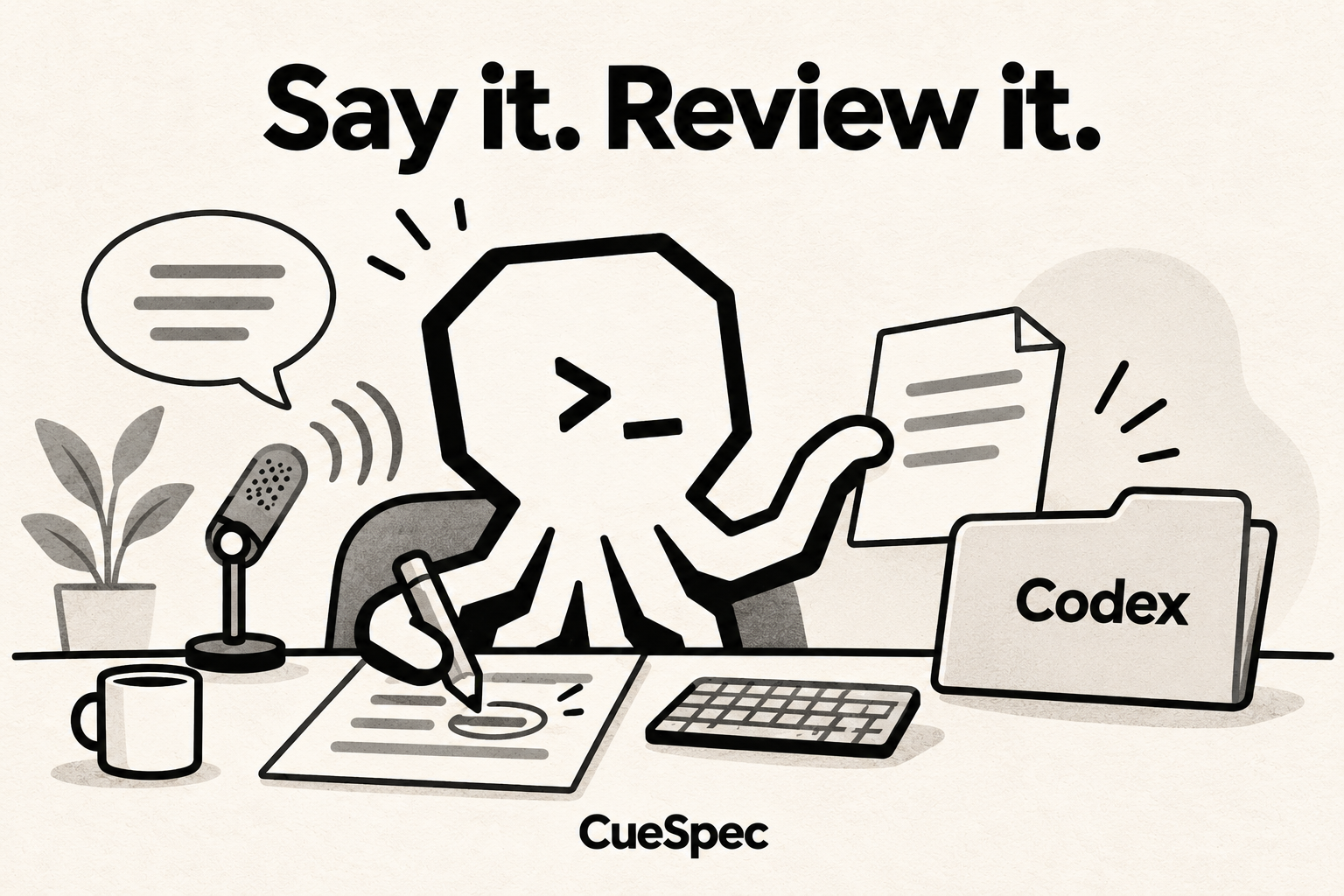
Imagine tapping the right Shift key on your Mac and seeing nothing happen. On a coworker's Mac, with CueSpec for Mac running, that same key starts recording. Tap it again to stop, and there's an editable voice draft.
The useful part is where those words can go next, beyond speech-to-text.
A weekly report makes the difference clear. Ordinary dictation can leave you with a wall of “you know,” “and then, and then,” and “actually,” plus all the paragraphing to do yourself. CueSpec gives you a local draft; optional refinement can help with the wording when CueSpec Server is configured and you're signed in. Review the draft, choose the Codex conversation and explicitly send it with a request for a weekly report. Codex can turn that material into headings and bullet points and cut the filler.
There are other tools for this kind of work, often with subscriptions. CueSpec for Mac is free during its beta; that doesn't include Codex usage or any separate refinement-service costs.
Here are five useful ways to put that workflow to work.
One: To-do lists. Instead of arranging everything in your head before typing, say it as it comes: “Reply to that quote email this morning, then look at the contractor's draft. Oh, review the contract with the client at three, and remember to book next week's flight.” Send the draft to Codex with a request to organize it. A spoken paragraph becomes the material for a numbered list.
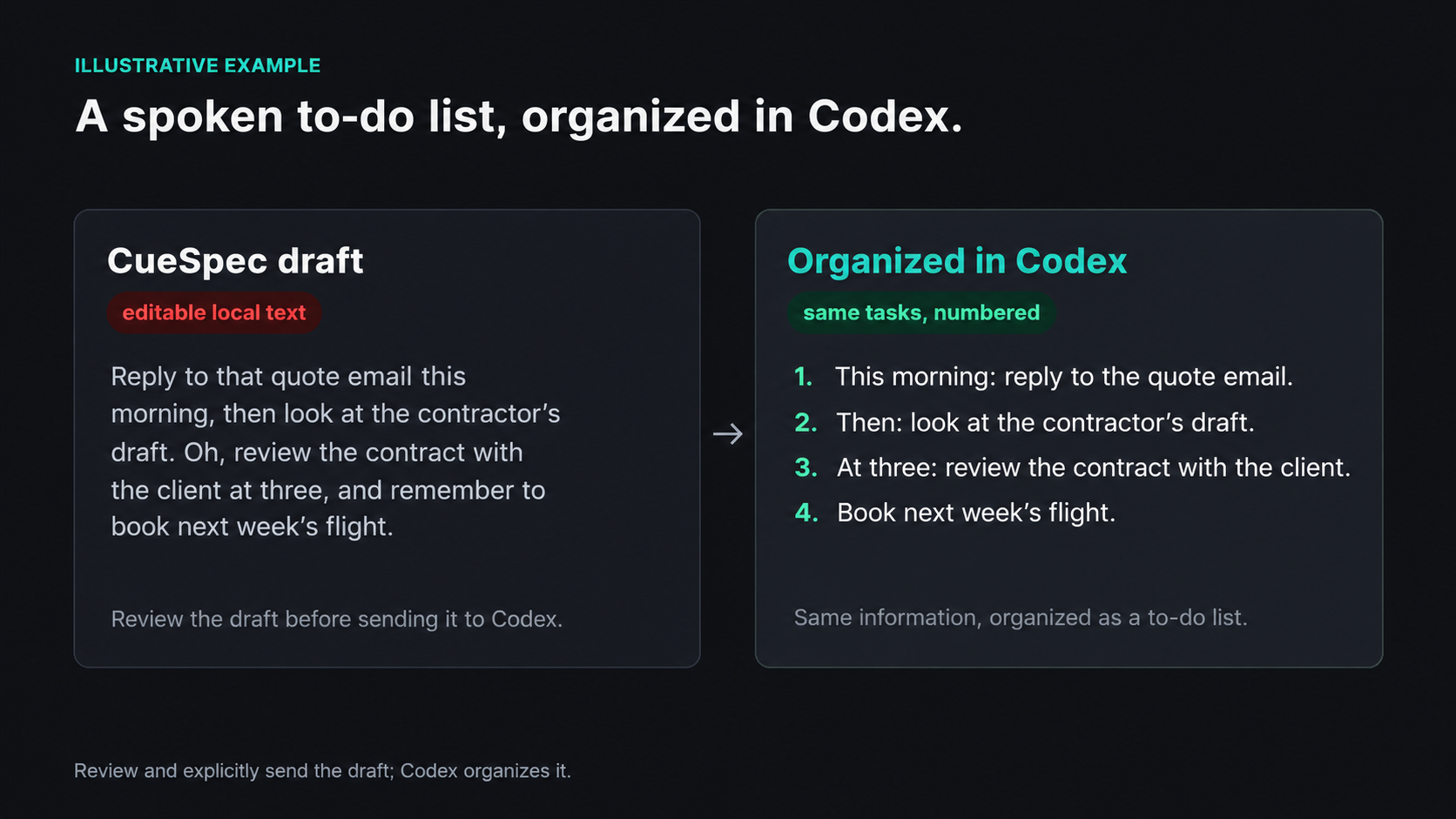
Example: review and explicitly send the CueSpec draft; Codex organizes the same tasks.
View full-size illustration
Two: Keep the point, lose the temper. A coworker takes credit for your work, changes arrive in frustrating little batches, or someone's reply is plain rude. Swallow it and you get angrier; fire back and tomorrow gets awkward. Dictate what you actually want to say, then add, “Turn that into a calmer reply without giving ground.” In the selected Codex conversation, that becomes a rewriting task: keep the argument, take the heat out of the delivery.
Three: Write an email. Put the text you want changed into the Codex conversation, along with your spoken request to make it a business email. Say who will receive it and what you want them to do next.
Four: One document, different readers. For a manager: “Put the conclusion and risks first so it's easy to make a decision.” For colleagues in another department: “Lead with what the collaboration gives each side.” Ask it to replace vague business jargon with the specific action you need from that reader.
Five: Give the AI a job. This is the dividing line. Turning speech into text is one thing; handing that text to an agent with a task is another. Say, “Make an illustration of someone working late at a computer,” or “I have an idea for an article about growing in your career. Help me draft it.” You can ask for a presentation too. CueSpec supplies the editable spoken request; you review and send it to the chosen Codex conversation. Codex does the work, with the relevant image or presentation tools available for those tasks.
One small detail matters: project names, technical terms and colleagues' names can be misheard over and over. Type or paste the correct spelling into the editable draft before sending it on, so the task has the name you actually mean.
If dictation already feels natural on your phone, the appeal is having something similarly convenient on a Mac. An existing microphone is enough to make local drafts. Where your Mac supports using an iPhone as a microphone, that's another input option; a headset mic can also let you speak quietly in the office without feeling quite so conspicuous.
Some AI products bury the point under a pile of terminology. The appeal here is simpler: put speaking back within reach of the keyboard.