
What Is Vibe Coding? Three Layers: Models, Agents and Workflows
Contents
You've probably been hit with all these names: Claude is the best, GPT is pretty good too; should you use Claude Code or Codex? Then there are open-source projects with huge followings on GitHub, and someone else insists OpenSpec or Superpowers is what really makes life easier.
How do all these things relate? Let's split them into three layers: the model, the agent and the workflow.
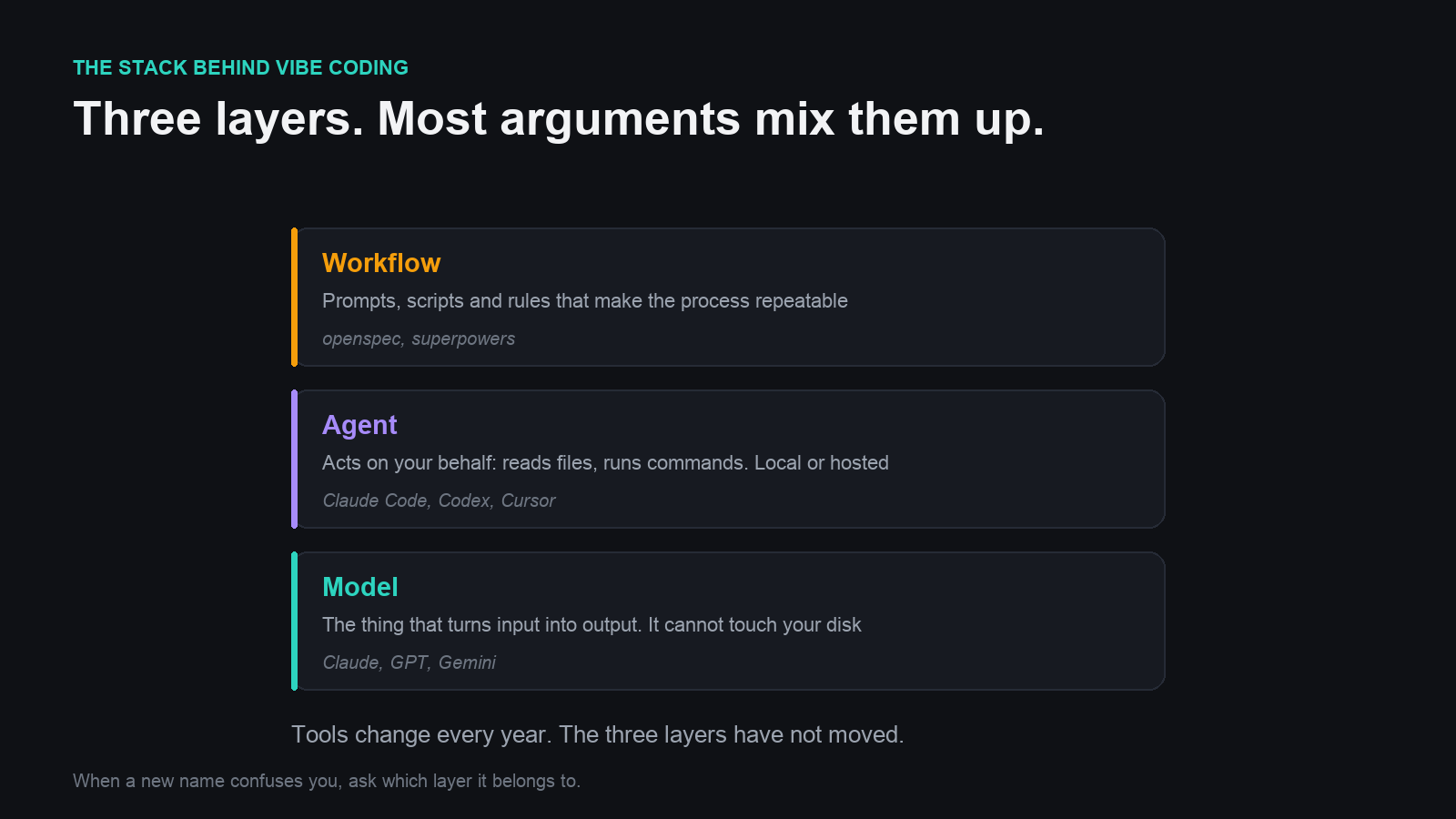
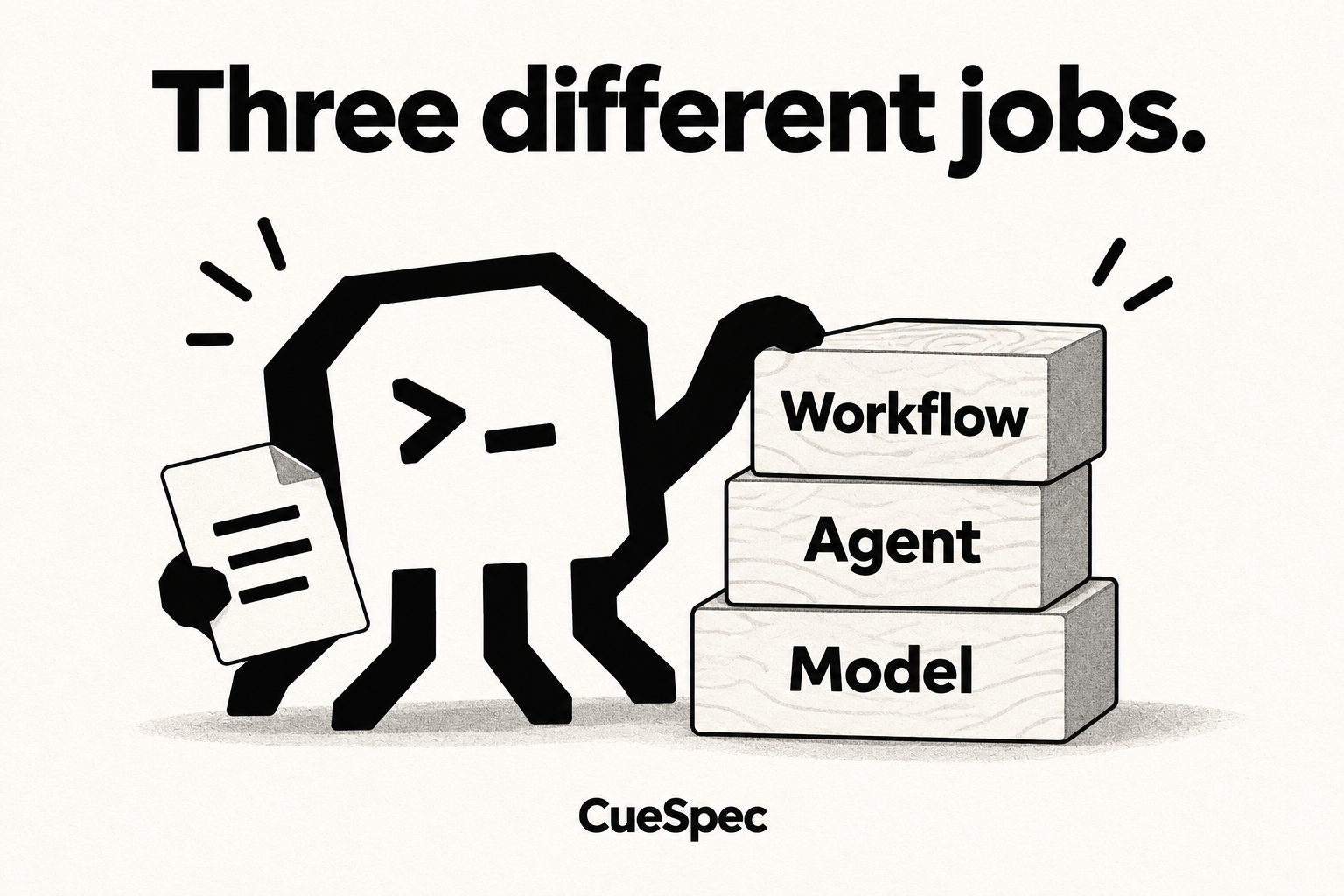
Models, agents and workflows do different jobs in the coding process.
View full-size illustration
Layer One: The Model
When you hear “AI model,” you probably picture a chat interface: send some text, get some text back.
So how do you get it to write a program? Describe what you want in the chat, copy the code it returns, run it locally, and paste any errors back in. Repeat. That was an early version of vibe coding, before it had a name.
One distinction matters here: the chat website isn't itself the model writing the code. It passes your message to the large language model behind it, then displays the response. Names such as Claude, GPT and Gemini can refer to model families, although people also use them for the larger product around a model.
The pitches differ. GPT emphasizes work across different kinds of media; Gemini is closely tied to Google's products; other models put more weight on efficiency and architecture. Claude's appeal here is its coding focus. It can write lyrics, which is different from directly generating a song's audio or an image. For a programmer, its coding strengths can be a reason to prefer it even at a higher price.
Sonnet, Opus and Haiku are different model families, with different capabilities and prices. Think of the rough positioning of a phone's standard, Pro and Pro Max versions, rather than one identical model with a different price tag.
Layer Two: The Agent
Once you have a model, another problem appears: working through a plain web chat is a pain. Copy the code, run it locally, paste the error back. A tiny program can take dozens of exchanges. You might as well write it yourself.
A model in a plain chat can't operate your computer on its own, for two reasons.
First, the hosted model is running on the provider's servers, not on the machine in your hands. It doesn't have a direct connection to your local drive just because you're chatting with it.
Second, a model produces outputs, including tool requests, but something has to execute those requests. The output might be text, an image or audio, depending on the model. If it says “I need to read main.py,” the file won't magically appear unless something reads it and sends the contents back.
So give the model a hand: a program that can read local files and run commands. In this local setup, that program runs on your computer and serves as the agent. Agents can also run in the cloud.
Now the exchange works like this: you ask the agent to write Hello World; the agent passes that to the model; the model asks to read main.py; the agent reads it and returns the contents; the model asks for a print statement on line 7; the agent adds it and reports back; the model signals that it's done, and the agent shows you the result.
A tool request usually isn't ordinary conversational prose. It uses a structured format, often JSON, in a mechanism called function calling. The agent uses that structure to distinguish a request to do something from a reply for you to read.
Training a model is hard; building the program around one is more accessible. That's why coding agents are everywhere: provider-made tools such as Claude Code, Codex and Antigravity; products such as Cursor and Copilot; and open-source options such as OpenCode. The model and the agent are separate pieces that can be combined where the provider and interface are compatible, such as OpenCode running with Claude underneath.
At this point, the model writes code and the agent runs commands. You describe what you want, and the program takes shape. In early 2025, Andrej Karpathy gave a name to the approach where you state the requirements, don't even look at the code, and go by feel: vibe coding.
Layer Three: The Workflow
It all sounds lovely, until you discover how many problems AI-written programs can have.
The agent can be shortsighted: ask it to fix one bug, and it introduces another, or breaks the logic that was already working. It can also misunderstand the assignment.
Often, we haven't explained ourselves clearly enough. But the customer is always right. My mistake, the AI's fault.
That leads to a whole set of ways to communicate: discuss the requirements before writing code, have it keep asking questions and collect the answers; write the specification first, then develop, which is spec-driven development, or SDD; write tests first and make coding a matter of getting them to pass, which is test-driven development, or TDD. Combine the two, then require the code to pass static checks before calling it finished.
These techniques can make the program more robust. The cost is all the work around the request: define the requirements, write the specification, write the tests. What started as one sentence now needs enough instructions to fill a dissertation. A bit much.
So people turn those prompts into reusable templates and share them on GitHub. Two examples are OpenSpec, with its discussion → specification and requirements → code approach, and Superpowers, which combines discussion, planning and a strong emphasis on TDD.
These tools package instructions for the coding agent. In OpenSpec's canonical chat syntax, enter /opsx:explore followed by “I want to make a Zelda game.” That invokes a prepared set of instructions to help work through the idea and clarify the requirements. Next, /opsx:propose turns the discussion into planning documents, and /opsx:apply implements the tasks. The command spelling varies by client. Superpowers uses a similar idea, with its own skills and invocation methods.
Alongside prompts, workflows can include scripts and rules: a linter can check document formatting, and hooks can enforce a configured rule about changing approved documents. They don't automatically impose the same restrictions in every project. Prompts, scripts and rules give development a repeatable order. That's what people mean by a workflow.
One Last Thing
That's the path AI coding has taken over the past couple of years: from copying and pasting by hand, to an agent running commands for you, to workflows that make the process more consistent.
Maybe before long, programming really will mean telling an AI, “I want to make a Zelda game.” How many new concepts will turn up by then? I don't know, but I'm not worried.
The tools keep changing. The underlying structure stays much the same. Even the hottest new thing is often the same old story, with a little seasoning and a new name.