
Voice Typing Can Be False Efficiency: What You Save in Typing, You Spend Editing
Imagine spending last year working on prompts, trying to explain your intentions so an AI would understand. Now you're typing less, and talking to it is becoming the default.
That change needn't happen overnight. Early voice tools could leave you wanting better recognition; a polished option might require an annual subscription; another might be excellent on a phone but Mac-only on desktop, which doesn't help if your work computer isn't a Mac.
The pattern points to a problem beyond recognition accuracy.
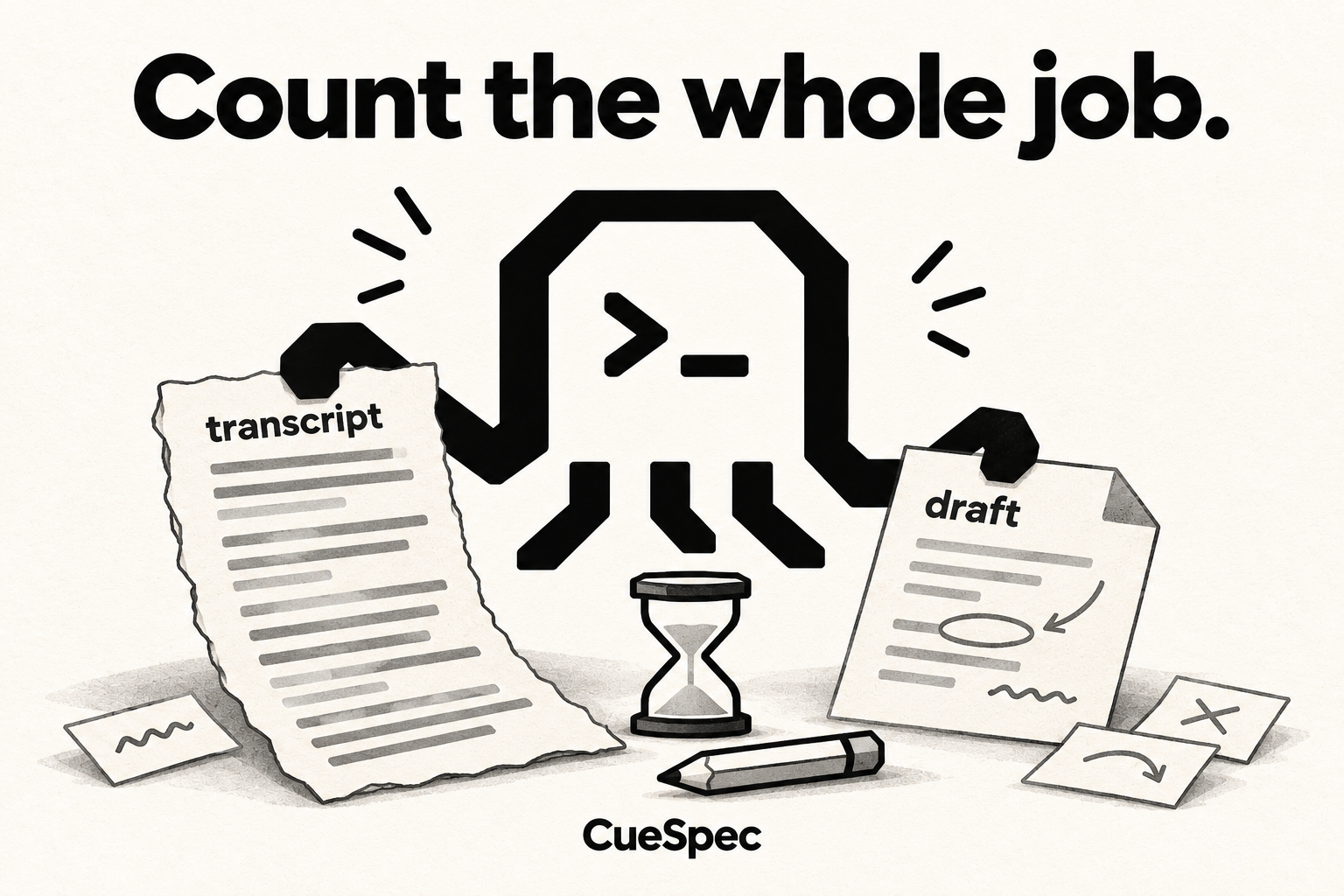
Basic transcription solves tired hands. It turns sound into text, but the work isn't over when the words arrive. You read them again, cut the “um” and “you know,” join the broken sentences and fix the misheard words. The time saved on typing can go straight back into editing. Sometimes the cleanup takes more.
That's false efficiency: it looks faster, but you've traded typing time for proofreading time.
The missing part is what happens after transcription. CueSpec for Mac starts with a local, editable draft. Optional refinement can help with wording when CueSpec Server is configured and you're signed in; you can also edit the local draft yourself. The next task can then go to Codex, rather than stopping at a pile of transcribed words.
The useful gain is a clearer handoff: the draft you review is the material you can send into the next task.
For a rough outline, some editing is work you wanted to do anyway: deciding what belongs, changing the order and sharpening the argument. Fixing words the microphone misheard is extra work. Voice has to earn back that extra effort through the draft and the task that follows.
The useful division is between two layers:
- Input, in CueSpec: Tap right Shift once to start recording and again to stop. Review the editable draft, choose the intended Codex conversation and explicitly send it.
- Execution, in Codex: Codex receives the words and the task, then works with the tools available to it.
That connection changes the handoff. The familiar sequence is opening a dictation tool, transcribing, cleaning up, switching to an AI app, then pasting and sending. Here, the draft and the selected Codex conversation are linked in the workflow. Review and sending still belong in the process; talking doesn't by itself mean the agent has started the job.
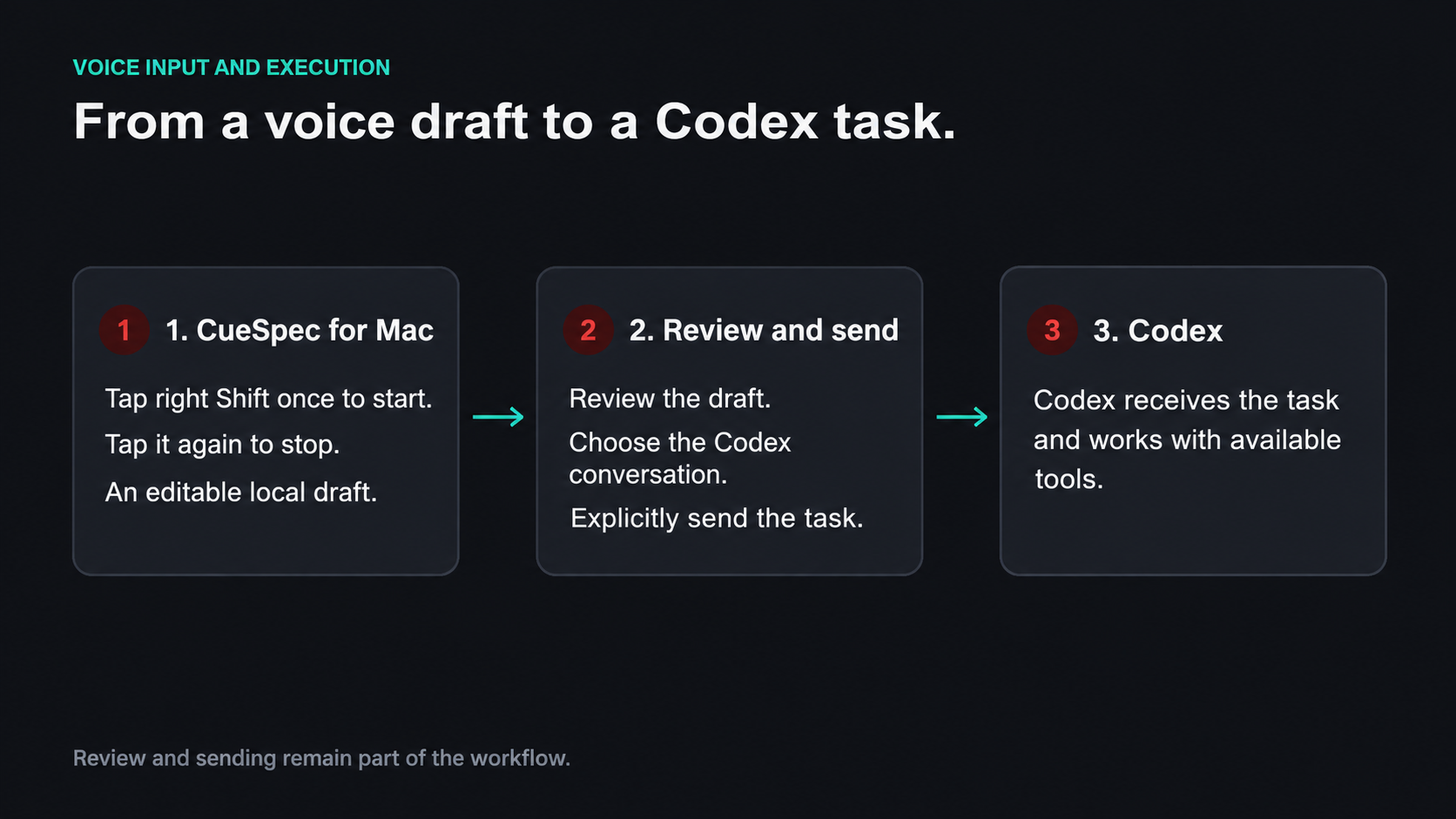
CueSpec records the draft; you review and explicitly send it before Codex works on the task.
View full-size illustration
That makes this worth trying when you have a substantial explanation to get down and a follow-on task for Codex. If a short, exact message needs so much correction that typing would be easier, use the keyboard. The useful comparison is the whole job—drafting, correction and handoff—not the recording time alone.
Put it into a working day. Researching a topic often means opening a browser, typing keywords and reading one page after another. You can instead dictate, “Summarize how computer keyboard layouts changed from 1960 to 1990,” then send that task to Codex. With appropriate research tools available, Codex can gather and organize the material.
Writing follows the same chain: dictate an outline, ask Codex to develop the arguments for each section, then use voice to add detail and adjust the order. Once there's a draft, ask it to cut the redundant passages. You can keep shaping the text as the work develops.
CueSpec for Mac is free during its beta. That scope doesn't include Codex usage or separate optional-service costs.
My hunch is that voice interaction will become basic infrastructure for AI products, alongside memory and skills, rather than a bonus feature. Too often, it feels like an extra input option bolted onto the side. When it becomes the main channel, AI gets closer to a working partner, rather than a tool that needs patiently tending.