
Learn photography with AI: explain your choice first
Drafted and reviewed using AI assistance.
On this page
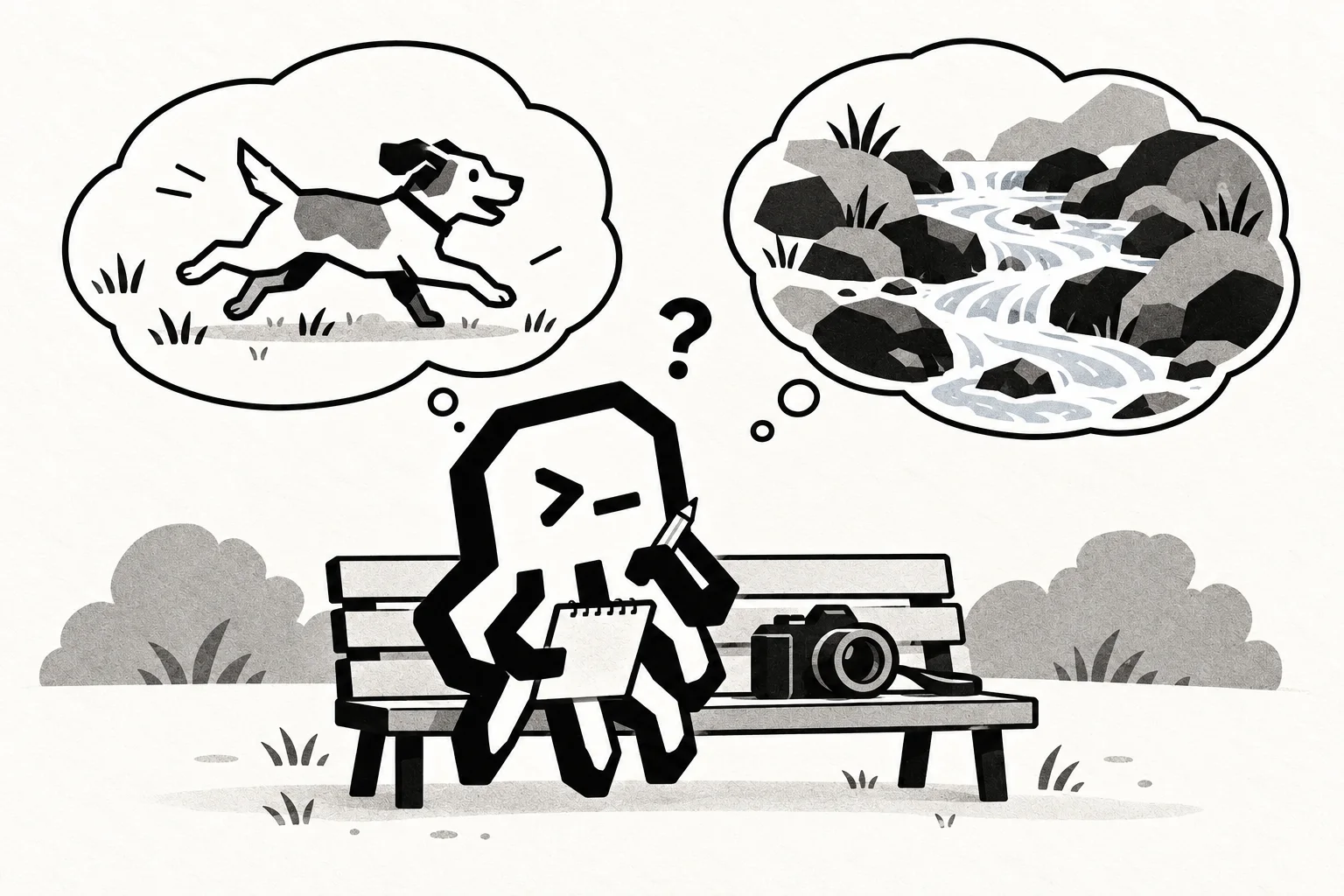
Say what you want the picture to show, then explain why.
After a day at your laptop, you take a camera on a walk through a neighborhood park. A dog runs across the grass, and you want a picture with its legs sharply defined. You recognize the term “shutter speed” from an AI explanation. But which way should you change it, and why?
Before asking for a setting, try saying what you expect to happen. A wrong answer with a reason gives you something specific to work on.
The scenes and dialogue below are designed examples. Assume daylight, a steady camera, and correct focus so we can concentrate on the subject's movement.
More light doesn't necessarily freeze the dog
Your first explanation might be:
I want the dog's legs to look sharp. I'd leave the shutter open longer because that lets in more light, so the legs should be clearer. Ask me about that reasoning before suggesting a setting.
There is a correct idea in there: with other exposure conditions unchanged, a longer exposure lets more light reach the sensor. The mistaken step is treating that as a reason the moving legs will look sharp.
A useful question from AI would be: What happens to the legs while the exposure is still being recorded?
Nikon's shutter-speed guide describes shutter speed as the duration of the exposure. During a longer exposure, the subject can keep moving as light is recorded. A shorter exposure gives that movement less time to register, making it more likely you can freeze the action. It also admits less light if the other exposure conditions stay the same.
Now you can revise the explanation:
For this shot, I'd consider a shorter exposure so the legs have less time to move during it. I still need to account for the light. More light and less motion blur are different things to think about.
The useful change is in the reason, rather than a number to memorize. A fast shutter doesn't guarantee a sharp picture, but you can now explain why a shorter exposure suits this particular goal.
Change the picture you want
On the same imagined walk, you stop beside a creek. This time, you want the water to look soft and flowing, with movement drawn into trails rather than every splash sharply frozen.
Should you keep shortening the exposure? Decide before asking AI.
A reasoned answer would go the other way: with the camera steady, a longer exposure can record the water's movement over time. The motion that would frustrate your dog photograph is part of the effect you want here. Nikon's guide discusses this use of slower shutter speeds for flowing water.
You could ask AI to examine your explanation: which part describes your intended picture, and which part explains how the exposure would produce it? If it responds with a setting alone, bring it back to that connection.
The goal changed, so the choice changed. “Faster is better” would miss what you wanted from the creek.
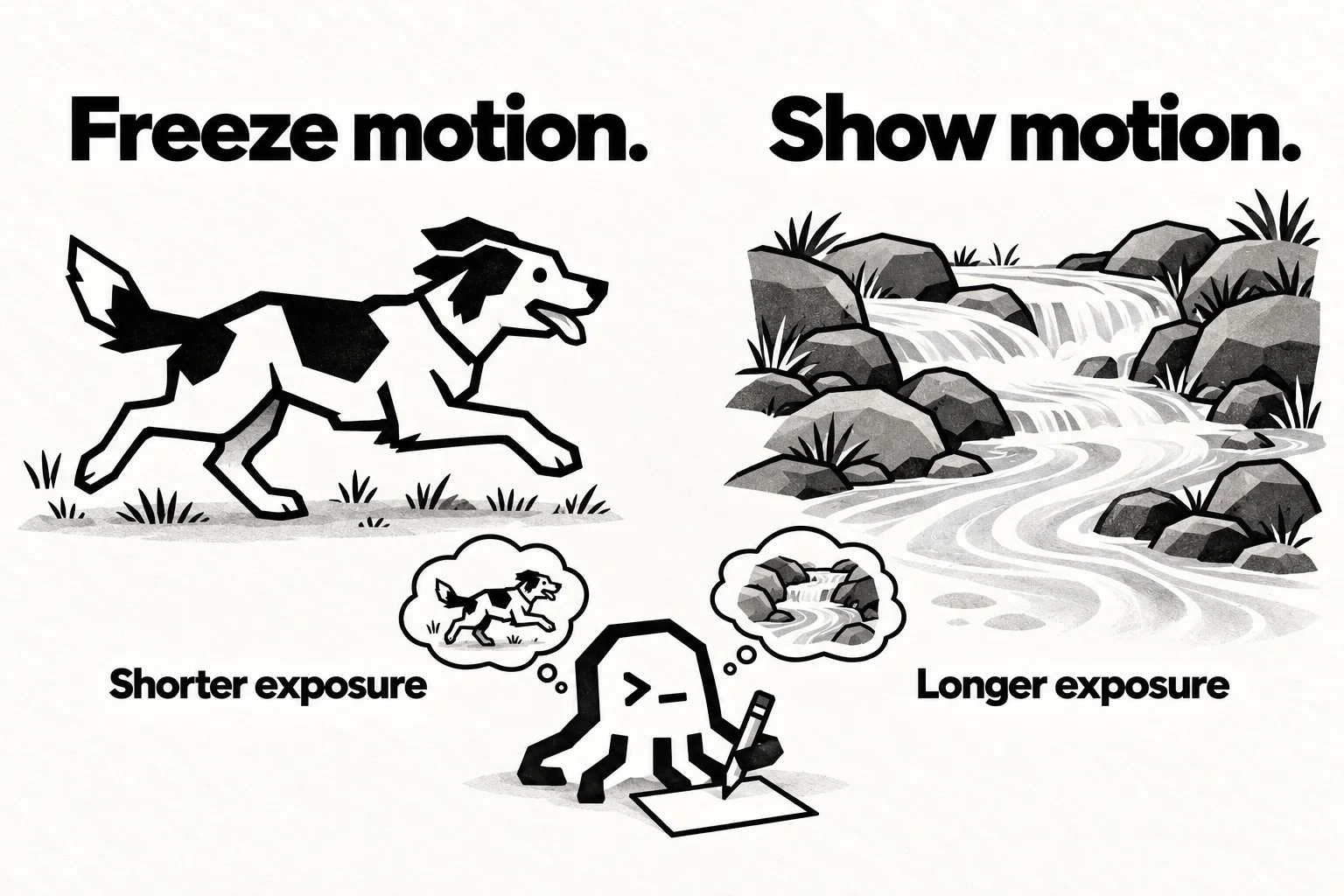
Choose the exposure for the motion you want to show, while accounting for the light.
Give AI a reason to examine
To make this useful as a way of learning, ask AI to check a specific link in your explanation against a reliable source. In the dog example, that link is “more light means sharper moving legs.” Keep the part that is right, identify the part that doesn't follow, and explain the correction in your own words.
If the AI can't open the source, provide the relevant passage yourself. Ask it to show which statement supports its correction. A fluent explanation still needs to agree with the photography guidance you're using.
There is a relevant idea in learning research. In a 1994 study, Michelene Chi and colleagues asked eighth-graders learning about the circulatory system to explain the text sentence by sentence, with follow-up prompts. Among 24 students, the explanation group showed larger learning gains than a group that read twice. They also spent more time studying, and the post-test allowed access to the text and notes. That study gives us a reason to pay attention to learners' explanations; it doesn't establish that AI photography lessons work better.
Here, explaining your choice lets you find out whether you can connect an exposure decision to the picture you want. Trying the creek question next gives you another occasion to use that connection. One successful answer is a starting point for practice, rather than proof you've mastered it.
If you take the exercise outside, check your camera's manual for how to control exposure duration and watch what happens to the light as you change it. Predict the result, then compare it with the photograph. If the result surprises you, return to the guide or ask an experienced photographer to help interpret it instead of assuming shutter speed explains everything.
For your next AI learning conversation, start with one sentence: “I think this will happen, because…” Give the AI something of yours to question. Then change the goal and see whether you can still explain the choice.